
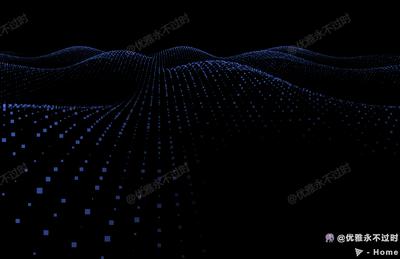
波浪粒子
Wave
你将学到什么
- ShaderMaterial / RawShaderMaterial 自定义 GLSL
- 粒子 / 点云 / 实例化渲染
- GUI 参数调试面板
效果说明
Three.js WebGL 场景,以自定义 shader 呈现核心视觉效果,粒子或点云特效,技术点:顶点着色器、片元着色器、uniform 驱动。打开在线案例可查看最终画面。
核心概念
- ShaderMaterial 自定义 uniforms + vertex/fragment;RawShaderMaterial 需手写全部 shader 声明。
- 大量点用 BufferGeometry + Points 或 InstancedMesh 合批,避免逐 Entity 创建。
- dat.GUI / lil-gui 绑定 uniform 或配置对象实时调参。
实现步骤
- 定义 uniforms,在 rAF 中更新并 render
- 构建几何 attribute 或 instanceMatrix 并 add 到 scene
- gui.add 绑定可调参数
代码要点
js
import { BufferAttribute, Clock, Color, PerspectiveCamera, PlaneGeometry, Points, Scene, ShaderMaterial, WebGLRenderer } from 'three';
import { GUI } from 'three/examples/jsm/libs/lil-gui.module.min.js';

const sizes = {
    width: window.innerWidth,
    height: window.innerHeight
}


const planeGeometry = new PlaneGeometry(20, 20, 150, 150)
const planeMaterial = new ShaderMaterial({
    uniforms: {
        uTime: { value: 0 },
        uElevation: { value: 0.482 },
        ucolor: { value: new Color(0x9ab0f4) },
        bsize: { value: 3 }
    },
    vertexShader: `

    },
    vertexShader: `
        uniform float uTime;
        uniform float uElevation;

        attribute float aSize;
        uniform float bsize;

varying float vPositionY;完整源码:GitHub
小结
粒子 · Three.js · 10/27