
草地着色器
Grass Shader
你将学到什么
- 程序化生成 草叶三角面(非模型导入)
- 自定义
GrassGeometry extends BufferGeometry - 顶点着色器 sin 风摆 + 片元 云影采样
gl_VertexID % 5区分草尖与草身
效果说明
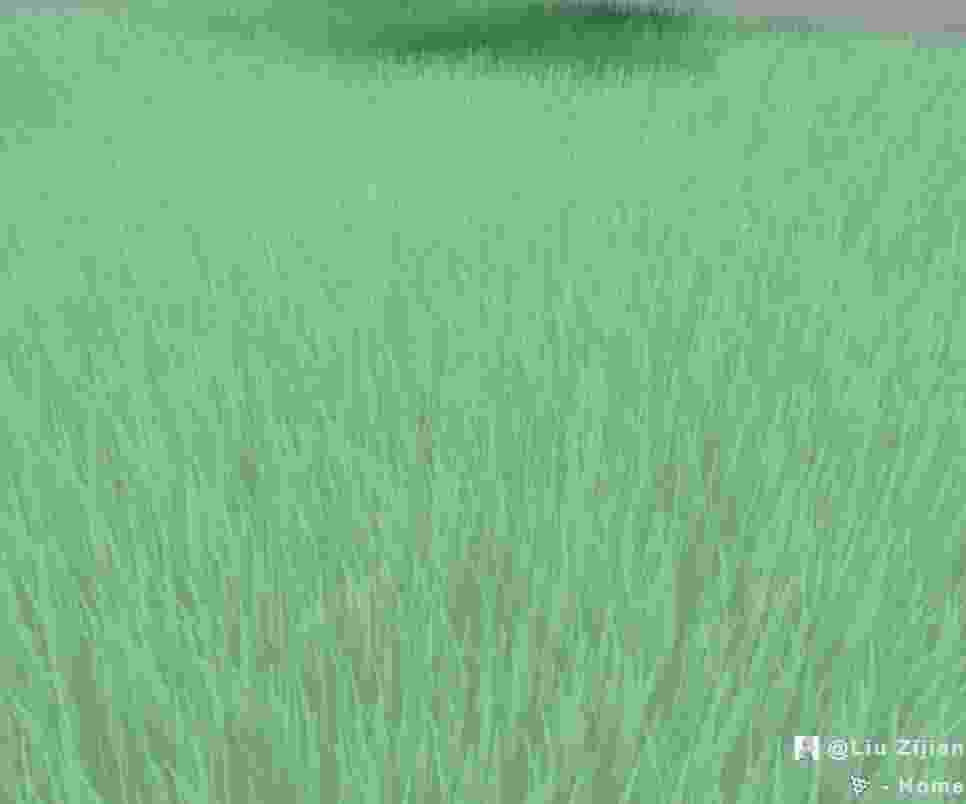
半径 50 的圆盘上 10 万 根草叶随风摇摆,云纹理在草面缓慢漂移,底部圆形地面共用同一 shader。
核心概念
草叶几何
每根草 5 顶点 / 3 三角面:底边两角 + 中段两角 + 尖端。随机:
yaw:绕 Y 轴朝向bend:尖端弯曲方向height:高度 ± 随机变化
js
class GrassGeometry extends THREE.BufferGeometry {
  constructor(size, count) {
    for (let i = 0; i < count; i++) {
      const radius = (size / 2) * Math.random();
      const theta = Math.random() * 2 * Math.PI;
      const x = radius * Math.cos(theta);
      const y = radius * Math.sin(theta);
      const blade = this.computeBlade([x, 0, y], i);
      // push positions, uvs, indices
    }
  }
}
顶点风动
glsl
bool isTip = (gl_VertexID + 1) % 5 == 0;
float waveDistance = isTip ? 0.3 : 0.1;
vPosition.x += sin((uTime / 500.0) + uv.x * 10.0) * waveDistance;
草尖摆动幅度更大,视觉更自然。
片元着色
- 按
vPosition.y混深浅绿 texture2D(uCloud, vUv)叠云影(UV 随 uTime 平移)- 简单法线点乘做明暗
实现步骤
- 定义
BLADE_WIDTH/HEIGHT等常量 GrassGeometry生成 position / uv / indexShaderMaterial写 vertex + fragment,uniform:uTime、uCloudGrass类继承 Mesh,update(time)更新 uTime- 同材质
CircleGeometry作地面
代码要点
js
grass = new Grass(50, 100000);
scene.add(grass);

function animate(time) {
  if (grass) grass.update(time);
  requestAnimationFrame(animate);
  renderer.render(scene, camera);
}
性能
10 万草叶对 GPU 压力较大;可减少 count 或改用 InstancedMesh + GPU 草 方案。
源码
完整源码见 GitHub。
小结
着色器 · Three.js · 2/89